

A supplier content pack can save listing time, but availability, format, accuracy and usage rights vary by supplier and product. Request assets by SKU and revision, verify every published specification against the approved product documents, and get permission for the channels where the content will appear.
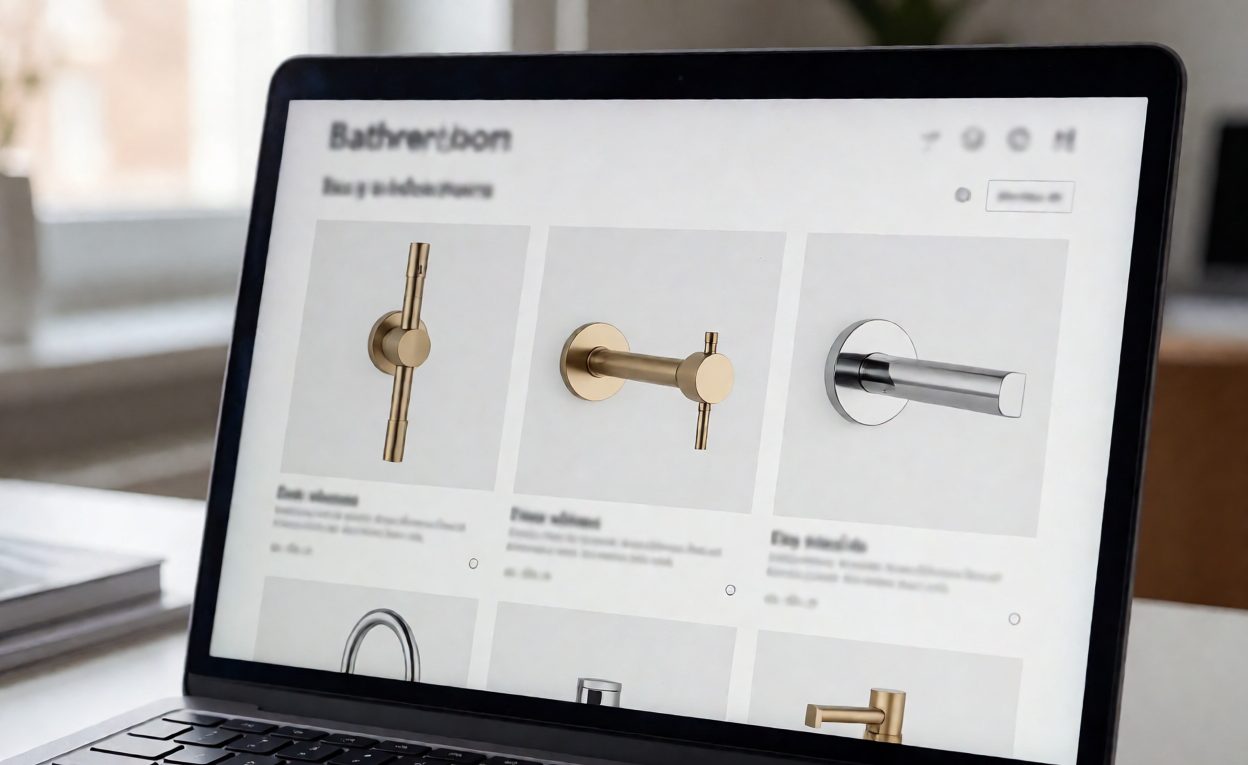
Request an asset list by SKU
Ask which current assets exist for each sellable SKU and finish. A useful request can include:
- Product photographs: front, side, installed view and detail views of interfaces or moving parts, with file dimensions and background identified.
- Product data: exact model, finish code, material declarations where available, dimensions, compatible glass thickness, hole pattern, components, package quantity and current drawing revision.
- Documents: installation instructions, maintenance guidance, product drawings, packaging information and any test or compliance documents that are applicable to the destination market and exact product.
- Identifiers and change data: supplier SKU, barcode/GTIN only where assigned and verified, date issued, revision, discontinued or superseded models, and a contact for corrections.
Not every supplier has every file or is authorized to release it. Ask them to mark missing items instead of filling gaps with assumptions.
Confirm image rights and finish representation
Get written permission that identifies the approved images, brand or copyright owner, permitted websites and marketplaces, countries, duration, editing rules and attribution requirements. Confirm whether product images may be cropped, overlaid with text or used in paid advertising. Clarify whether content is exclusive, and who owns commissioned photography or translated copy.
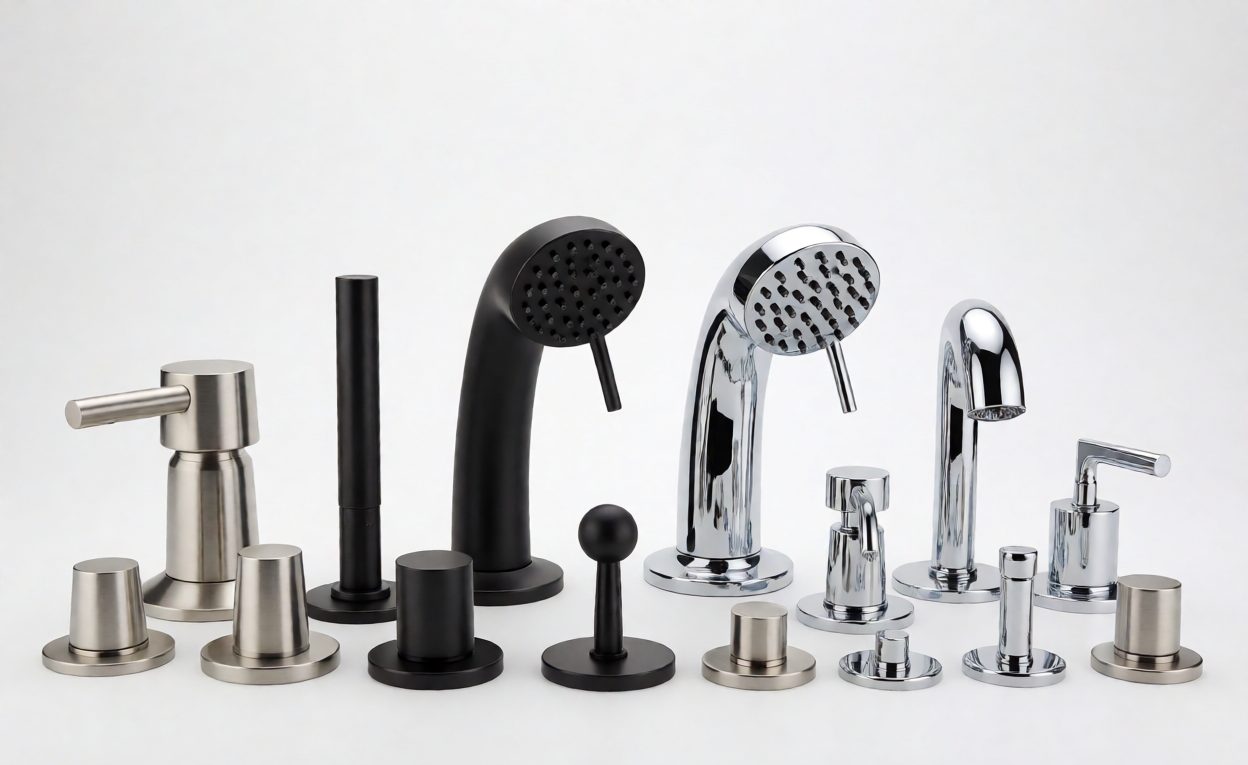
Screen and lighting can change how a finish looks. Treat digital swatches as illustrative unless the supplier confirms a controlled reference and accepted tolerance. For an important colour decision, request the approved physical finish sample and record the finish code and revision.
Verify product data before publishing
Compare the listing with the supplier’s current drawing, specification and approved configuration. Check the units, measurement reference points, handedness, glass preparation, compatible thickness, included fasteners, finish code and any stated rating. Confirm that the evidence applies to the exact SKU and does not rely on a different size, material, installation or test configuration.
Separate verified specifications from marketing language. Avoid adding performance, safety, code-compliance or lifespan claims that are not supported for the product and destination market. If a document is incomplete or contradictory, ask the supplier to clarify it in writing and hold the claim until it is resolved.
Keep listings current when the range changes
Agree how the supplier will notify you of changes to product dimensions, materials, finishes, packaging, instructions, identifiers, availability or imagery. Store the file version and receipt date with each SKU. When a change is confirmed, review affected product pages, downloadable documents, translations, search snippets and marketplace feeds. Remove superseded assets so they cannot be reused.
Use this request template
“Please send the current approved content package for SKU [number] and finish [code], revision [if known]. Include available product images and usage terms, the current drawing and specification, installation instructions, package contents and any applicable test or compliance evidence for this exact configuration. Please identify missing or unverified data, the issue date/revision of each file, and how we will be notified of future product changes.”

Measure whether the content helps
Complete, accurate assets make a listing easier to maintain; they do not guarantee higher conversion or fewer returns. Review search impressions, click-through rate, qualified enquiries, returns and support questions after publishing. Use the results to decide which images or missing specifications to improve, while keeping product claims tied to current evidence.
For Zimmor models, review the product catalog and use the страница контактов to ask whether current images or model-specific documents are available for a particular SKU and sales channel.
Часто задаваемые вопросы
Будет ли поставщик душевого оборудования предоставить фотографии продукции для моего магазина?
Доступность может отличаться. Запросите список активов по SKU и завершите оформление, а также уточните текущие версии файлов и права на использование в письменном виде для ваших каналов продаж.
Какую продуктовую данные я должен запросить?
Запросите текущий код SKU, код отделки, ревизию чертежа, размеры, подготовку и толщину совместимого стекла, состав упаковки, инструкции и любые применимые доказательства испытаний или соответствия, специфичные для продукта.
Можно ли использовать изображения поставщиков на маркетплейсах и в рекламе?
Используйте изображения только в рамках прав, предоставленных правообладателем. Подтвердите в письменной форме веб-сайты, маркетплейсы, страны, срок действия, правила редактирования и использование в платной рекламе.
Показывают ли цифровые изображения финишей точный цвет продукта?
Не обязательно. Экраны и освещение влияют на восприятие. Рассматривайте цифровые образцы как иллюстративные, если только их эталон и допуски не задокументированы, и утверждайте физический образец, когда цвет критически важен.
Как поддерживать точность карточки товара после изменения продукта?
Договоритесь об уведомлении об изменениях, храните ревизии и даты каждого документа и проверяйте затронутые спецификации, изображения, инструкции и переводы перед повторной публикацией обновленного SKU.