

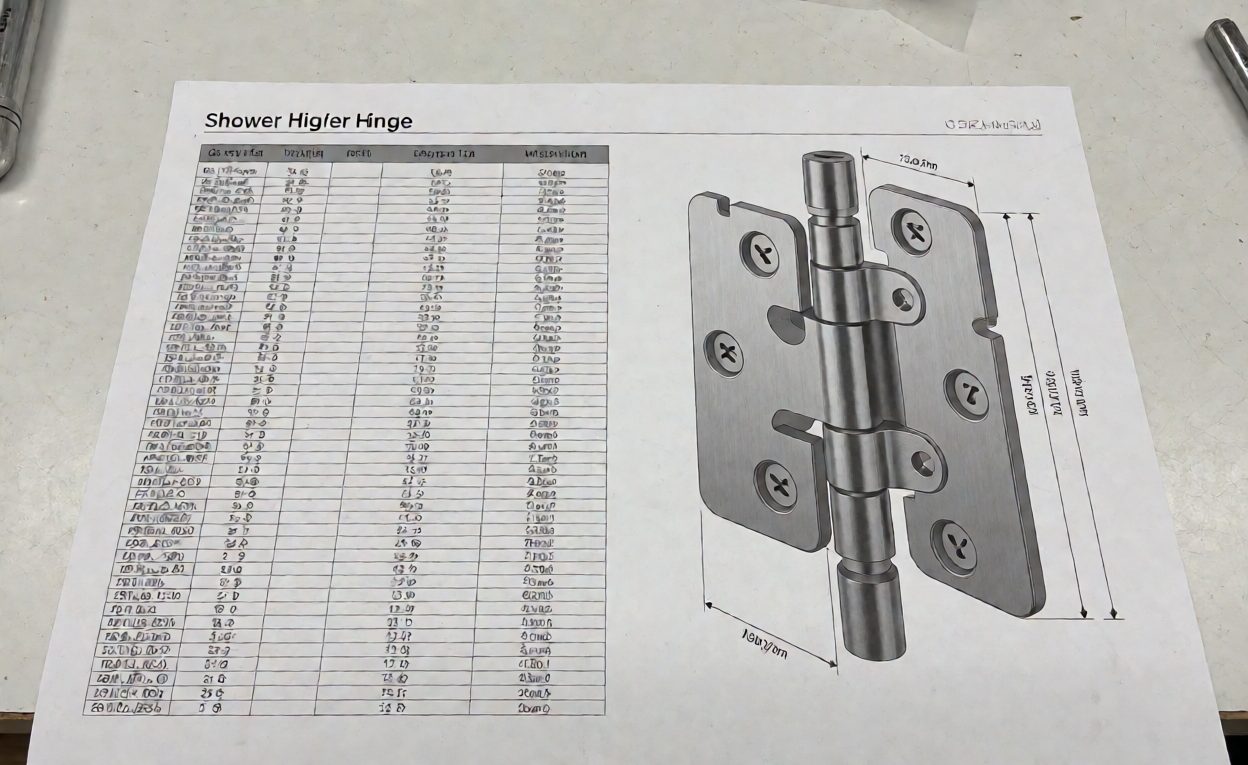
A product data sheet and CAD file should describe the exact shower hardware model and revision proposed for a project. Buyers need enough consistent information to compare the product with a drawing, glass schedule and installation plan. A generic catalogue page is not a substitute for model-specific dimensions or fit limits.
Key Takeaways
- Identify the model, revision, finish and included components on each data sheet.
- List dimensions, interfaces and fit limits with units and a referenced drawing.
- Separate verified ratings from untested or unavailable data.
- Request CAD files in an agreed format and confirm that they match the current product revision.
- Control updates so an old file is not used for a new configuration.
Specify the Product Data Sheet
Ask the supplier to identify the exact model, product family, revision, finish and supplied components. Request dimensional drawings for the connections and surfaces that affect fit, including glass thickness, cut-outs, fixing points and clearances where relevant. Confirm the units and drawing revision.
For materials, identify the body, covers, springs, fasteners and other components separately when they differ. If performance data such as load or cycle results is included, ask which sample, method, configuration and report support it. Mark information that is not available instead of filling gaps with a generic range.
Define CAD and File Requirements
| Deliverable | What to agree |
|---|---|
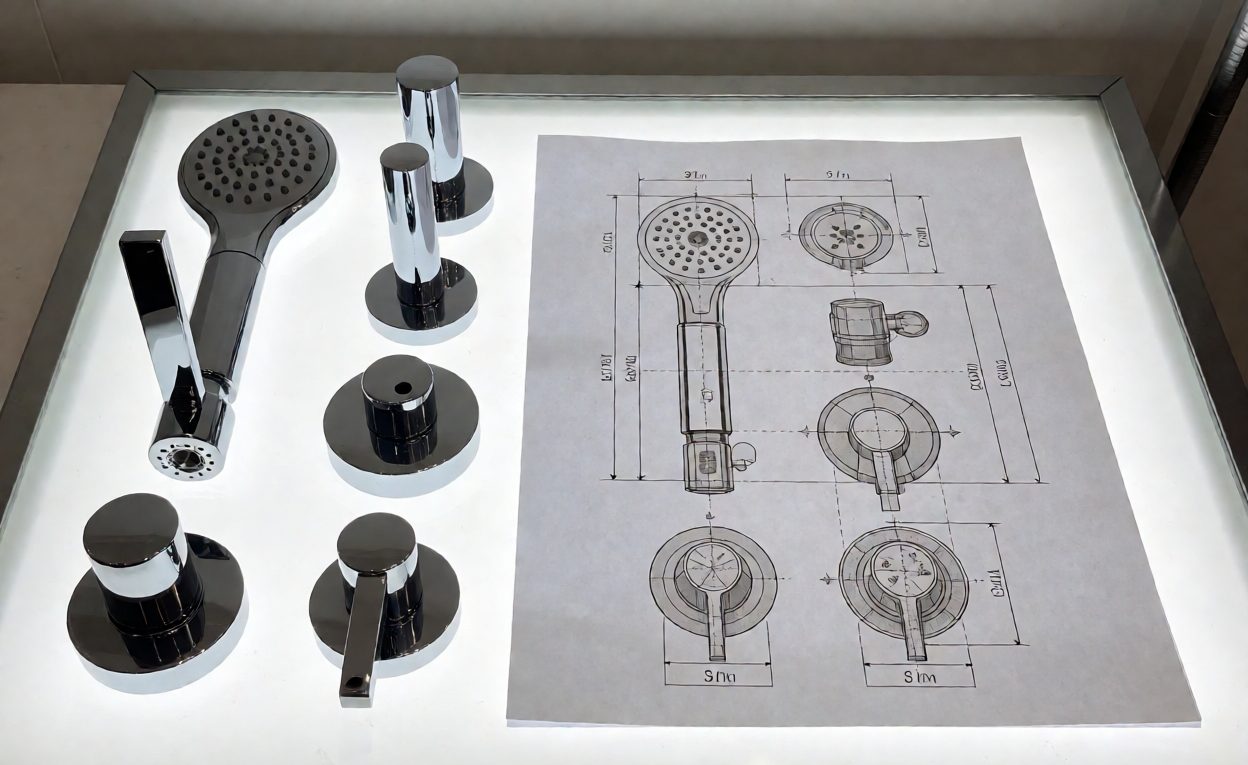
| 2D drawing | Views, dimensions, units, tolerances and revision |
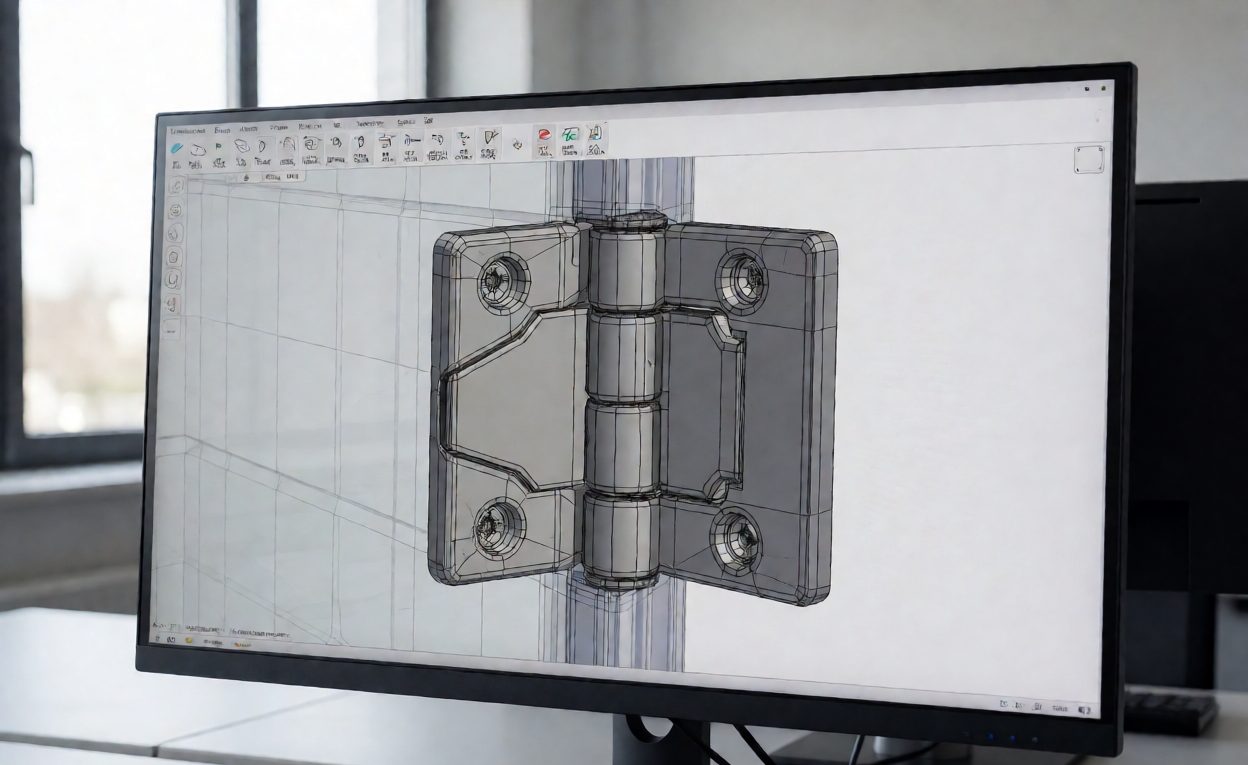
| 3D model | File format, coordinate orientation and level of detail |
| Finish or material variants | Whether each variant needs a separate model or note |
| File control | File name, issue date, approval status and change notice |
| Use rights | Permitted project, tender and manufacturing uses |
Check the file in the buyer’s target software and compare key interfaces with the approved drawing or physical sample. CAD geometry helps coordinate a project; it does not by itself approve a material, load rating or installation design.
Keep Data Current Through Changes
Ask the supplier to notify the buyer when dimensions, materials, finish, supplied parts or installation instructions change. Keep the accepted data sheet and CAD revision with the model number and purchase record. If a file is superseded, mark the prior version so it is not mistaken for the current configuration.
For a broader product schedule and specification framework, see our shower hardware specification guide.
Frequently Asked Questions
What should a shower hardware data sheet include?
Include model and revision, supplied components, materials where known, dimensions, finish, fit limits, installation references and any performance data with its evidence scope.
Which CAD format should a buyer request?
Agree a format compatible with the project team’s software and the intended use. Confirm units, orientation and revision with the supplier.
Does a CAD file prove a product will fit?
No. It helps check geometry against a project, but fit should be confirmed against the current drawing, product data and installation conditions.
How should a supplier handle a revised drawing?
Issue a new revision, identify what changed and notify the buyer. Keep the accepted revision linked to the order and mark the previous file as superseded.