

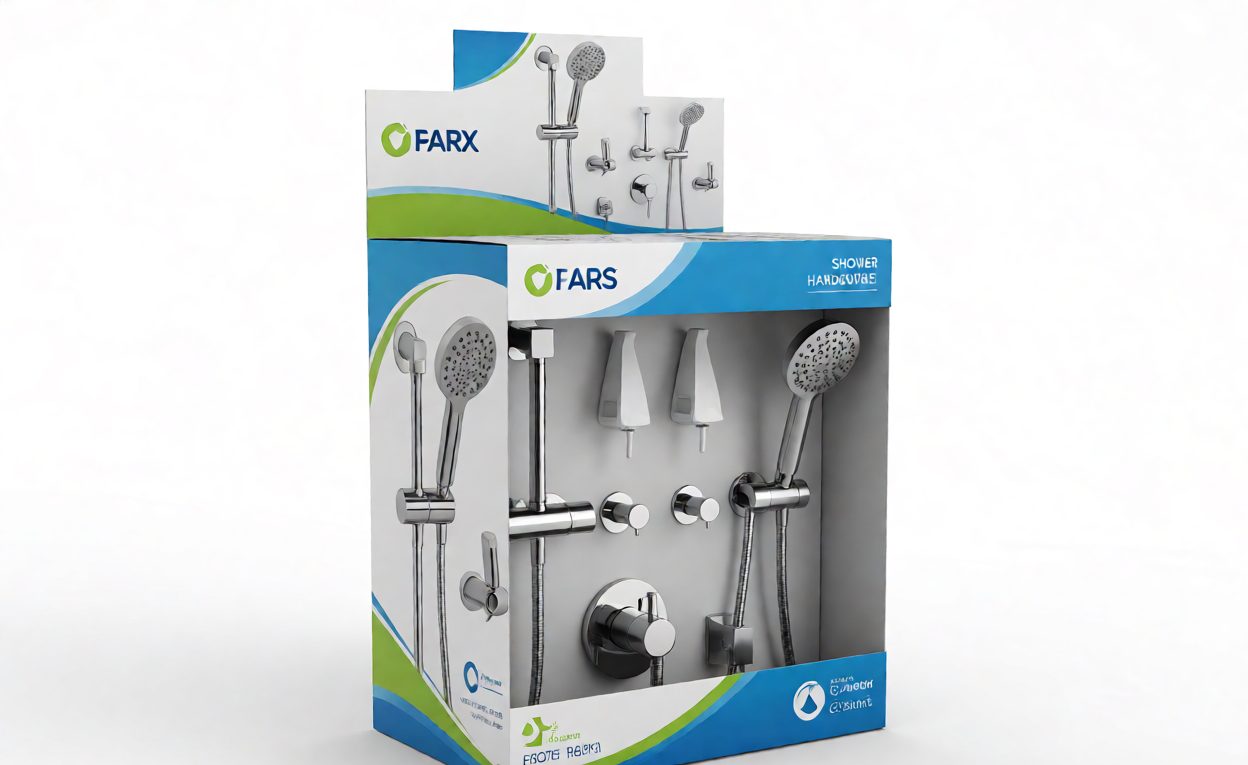
Retail shelf packaging for shower hardware must meet the retailer’s space, display, barcode, protection and information requirements while keeping the product identifiable. Confirm the actual shelf dimensions, planogram, packaging rules and approved artwork before selecting a carton or display format.
Key Takeaways
- Use the retailer’s current shelf, planogram and packaging instructions as the source of requirements.
- Measure the finished retail pack, not just the product or transit carton.
- Check product protection, pack opening, shelf orientation and replenishment method.
- Verify barcode data, label placement and artwork with the retailer or channel owner.
- Keep retail packaging records separate from the outer shipping-pack specification.
Collect the Retail Requirements
Request the current planogram or shelf layout, assigned product dimensions, required facing, display orientation and any restrictions on packaging depth or height. Confirm whether the retailer expects an individual shelf pack, a tray, a hanging pack or another format. Requirements may differ by store, category and sales channel.
Ask which party supplies the artwork, product copy, barcode data and approval. Confirm the identifier and product description match the approved SKU, finish and contents before sending files to print.
Design the Pack for Product and Shelf
| Review area | Questions to confirm |
|---|---|
| Fit | Do pack dimensions and orientation fit the allocated shelf space? |
| Protection | Are finished surfaces and small components restrained during handling? |
| Opening | Can store staff replenish or display the pack as required? |
| Information | Are product identity, contents and instructions approved for the market? |
| Barcode | Does the retailer confirm the data, symbology and placement? |
Test a complete pack using the actual product, inserts, labels and closure. Check the finished dimensions and confirm that the product remains protected through the agreed handling route. A shelf display format should not replace a separate transit-pack review unless the retailer and shipper have approved that use.

Control Planogram and Artwork Changes
Keep the planogram reference, approved packaging sample, artwork revision and barcode record linked to the SKU. If the product, finish, pack size or retailer layout changes, check whether the pack still fits the assigned space and whether a new approval is needed.
For private-label artwork and barcode controls, see our shower hardware packaging and barcode guide.

Frequently Asked Questions
What is a shower hardware planogram?
It is the retailer’s layout reference for where products are placed and how they are presented. Use the current planogram supplied for the relevant channel or store.
Does a transit carton work as a retail shelf pack?
Only if its dimensions, opening method, display function and protection meet the retailer’s requirements and the pack has been approved for that use.
Who should approve barcode and artwork details?
Confirm the approval owner with the retailer or channel partner, then keep the approved data and artwork revision with the SKU record.
What should be checked on a packaging sample?
Check the actual product, contents, finished pack dimensions, protection, labels, barcode placement and the approved shelf orientation.